Thank you!
https://canva.link/qpxlme3nsohug6h
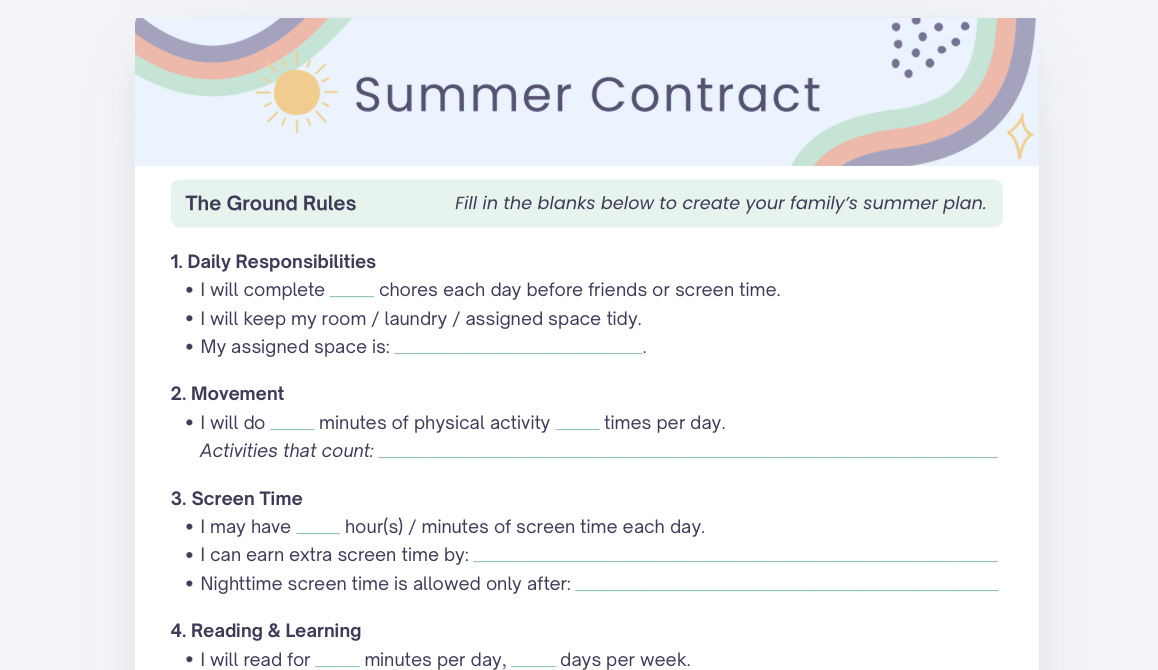
→ How to Use This Canva Template:
Click the link above to open the template.
In Canva, go to File (top left corner).
Click Make a copy.
Save it to your Canva account.
Edit and customize your copy however you’d like!
✨ The original file is view-only, so it can’t be changed - you’ll be working in your own personal copy.
→ If You Don’t See “Make a copy”
Make sure you’re:
- Logged into your Canva account
- Opening the link in a browser (not inside another app preview)
- If you get stuck, just email us at contact@thefamilybehaviorist.com and we’ll help you out!